Share what matters to you
Let your posts and avatar reflect your personality. Bring your interests into what you create and share with others.
03Social connection
Bring your interests, ideas and personality to AVATUS. Express yourself through your avatar and start conversations with people who share what matters to you.
Get the AVATUS app for iOS and Android to start exploring.
Shared interests. Real conversations.
A creative idea, a shared interest or a thoughtful post can be a starting point. AVATUS brings together self-expression and ways to keep the conversation going.
Let your posts and avatar reflect your personality. Bring your interests into what you create and share with others.
Connect through one-to-one and group chats. Share ideas, catch up and make space for a longer conversation.
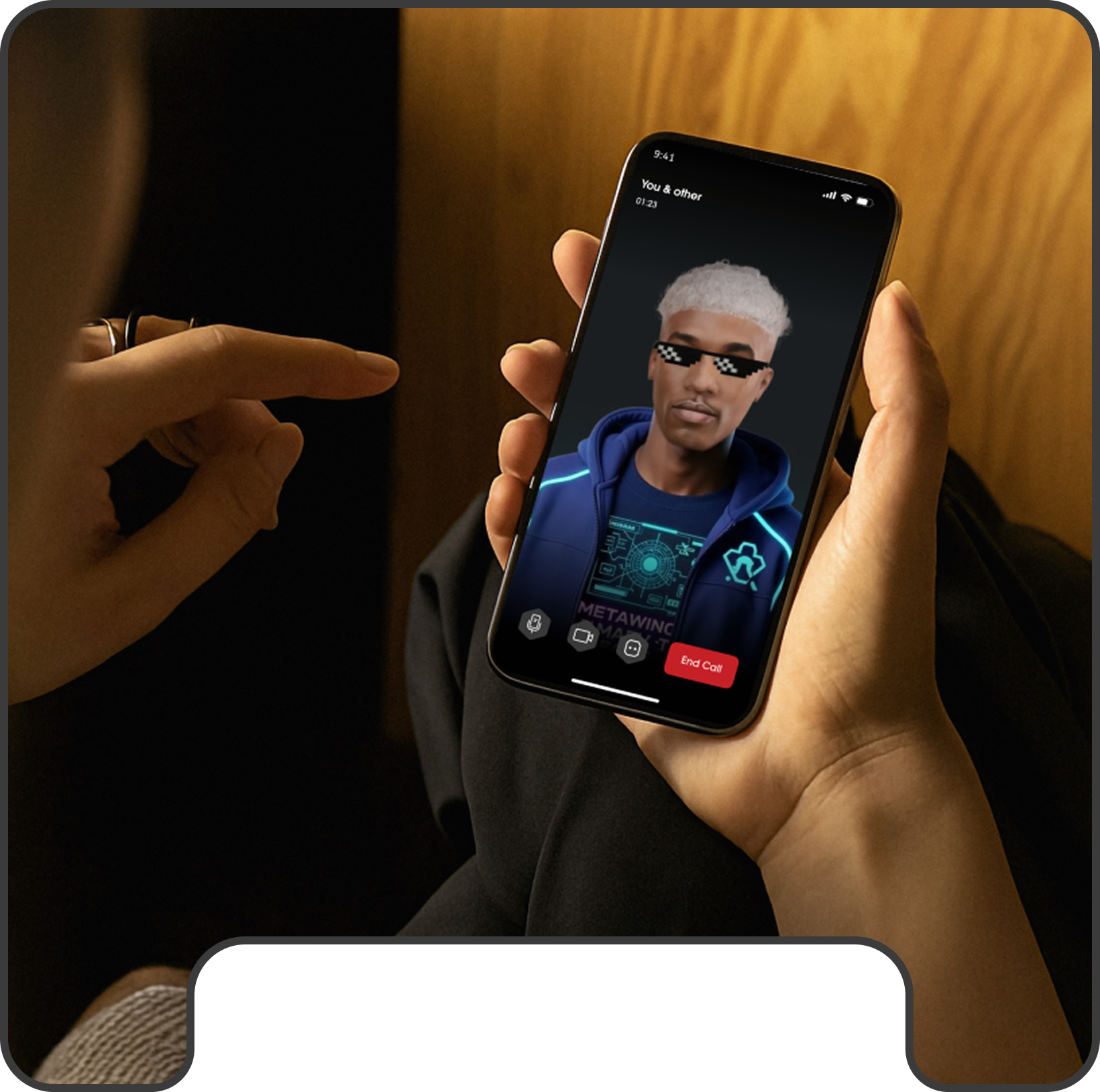
Explore avatar video calls. Your avatar appears by default, adding another form of self-expression to the conversation.
Make it yours
Start with what you enjoy, choose how you present yourself and explore connections at your own pace.
Get AVATUS, create or sign in to your account and choose an avatar that expresses your style.
Share a creative post or join a conversation about something that matters to you. Let that common ground be a starting point.
Explore chats and avatar calls, and review your profile visibility and chat settings as you get started.
A little more detail
Find your starting point, then explore the AVATUS FAQ for more help.
AVATUS supports one-to-one and group chats, as well as avatar video calls. You can share ideas in posts and continue connecting through conversation.
Your avatar appears by default in AVATUS calls. It is a way to bring your digital identity into video conversations.
AVATUS offers public and private profile settings. Accounts start as Public, so review your visibility settings before sharing. The Privacy Policy explains how AVATUS handles personal information.
Chat settings let you control who can start a conversation with you. Changes do not stop messages from existing chats. See the AVATUS FAQ for chat controls and guidance on blocking or reporting unwanted contact.
Your next direction
Start with AVATUS
Get AVATUS and explore a social experience built around self-expression and shared interests.
Get AVATUS and connectExplore the AVATUS platform
