Begin with a prompt
Put your idea into words. Use AI Canvas to explore images and backgrounds inspired by what you describe.
02AI Creation
Start with an idea and explore where it takes you. AVATUS brings AI image creation into your social experience, helping you make expressive content and share it with others.
Create and share with the AVATUS app for iOS and Android.
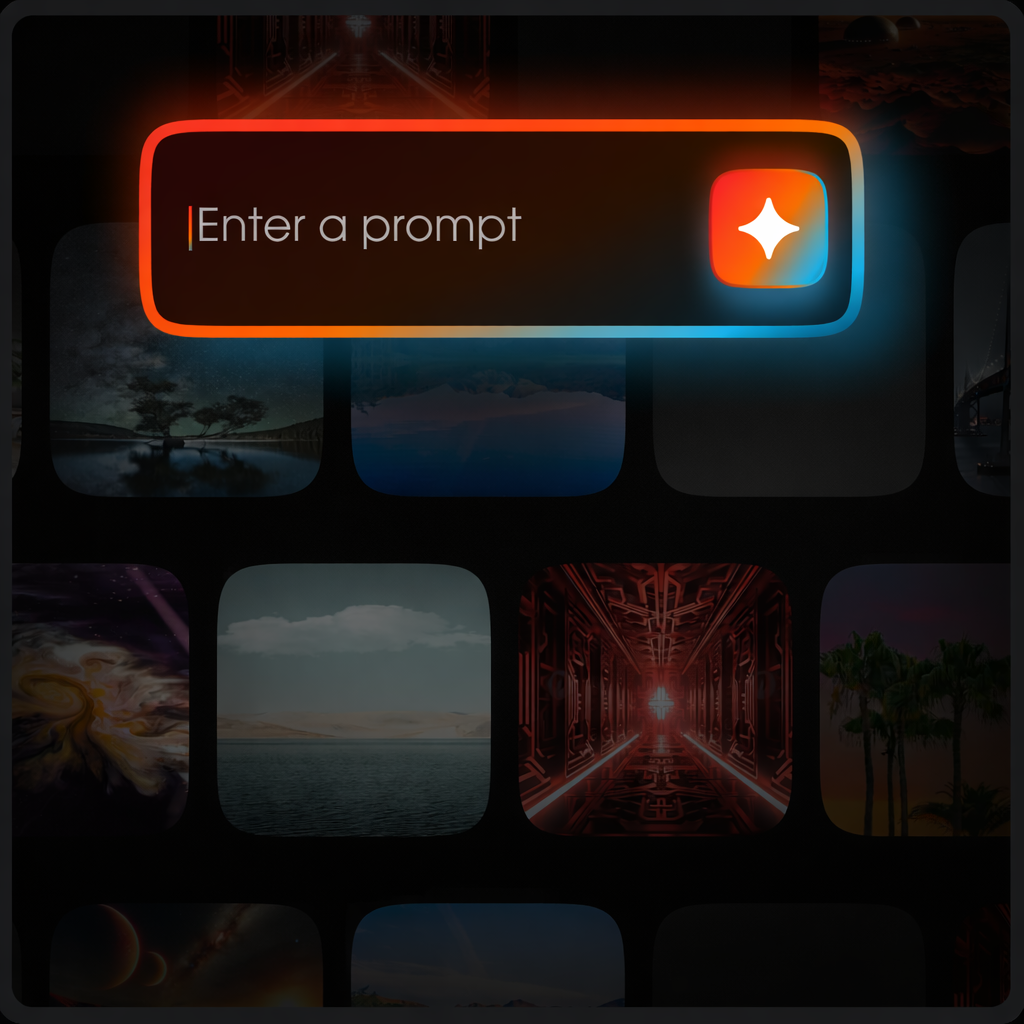
Ideas into images
AI Canvas gives you a starting point for visual ideas. Describe a scene, explore an image or background and turn a creative direction into a social post.
Put your idea into words. Use AI Canvas to explore images and backgrounds inspired by what you describe.
Preview a result and decide what feels right. Regenerate with the same prompt or adjust your wording to explore a different result.
Bring your chosen result into a post and share it in AVATUS. Creativity becomes part of your social experience.
Make it yours
Explore AI Canvas in the AVATUS app and follow your curiosity from the first description to a shareable creation.
Open AI Canvas while creating a post. Write a prompt for the image or background you want to explore.
Preview and apply your background, then generate. Keep the result or regenerate using the same prompt or an edited one.
When you are happy with your creation, share it in AVATUS and give others something new to respond to.
A little more detail
Find your starting point, then explore the AVATUS FAQ for more help.
AI Canvas is AVATUS’s prompt-based image creation feature. It helps you explore images and backgrounds as part of making creative posts in the app.
Yes. The creation flow includes regeneration. You can reuse your prompt or change it to explore another direction before sharing.
Download AVATUS for iOS or Android, create or sign in to your account and explore AI Canvas when making a post. The AVATUS FAQ walks through the creation steps.
Review your result before you share it, and follow the AVATUS Terms of Use and Community Guidelines. Check the current options and any usage conditions shown in the app.
Your next direction
Start with AVATUS
Get AVATUS and explore a creative path from a simple prompt to something worth sharing.
Get AVATUS to createExplore the AVATUS platform
